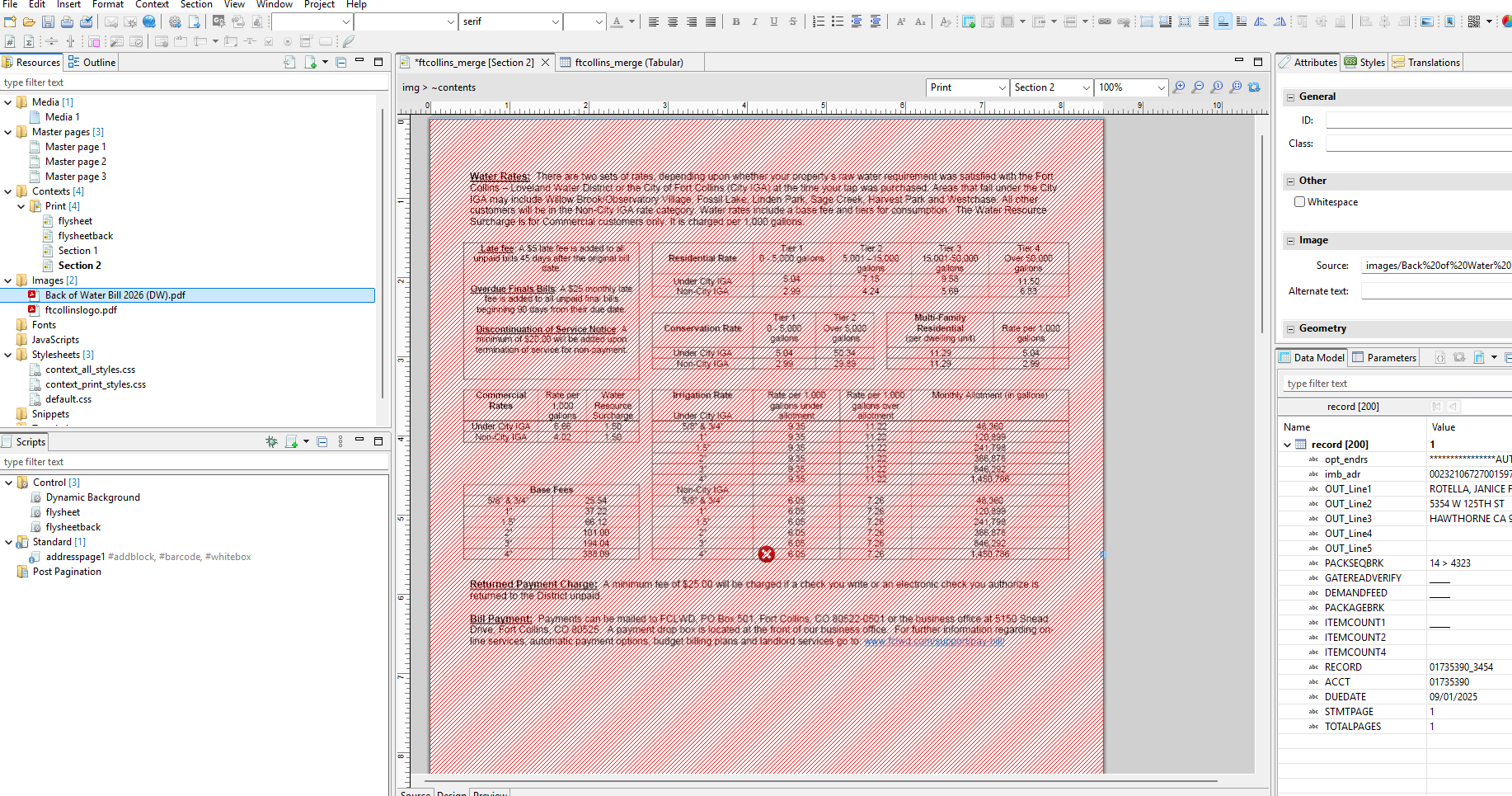
It is not a dynamic image and it is included in the template resources. It is a PDF of water rates for a utility bill, and replaces an nearly identical image that has worked fine for many months.
What does the red cross-hatching signify. Where can I find errors in the template designer?
Red cross-hatching is a pagination error that occurs when a non-positioned element (i.e. an element that is part of the flow) does not fit on the page and cannot be pushed to the next page. The error should be logged.
None of this is relevant though. In your case it makes no sense for that image to be part of the flow and push down (and get pushed down by) other elements. Right-click > Make Absolute, then the cross-hatching will disappear.