I wonder if there is such a thing in connect designer.
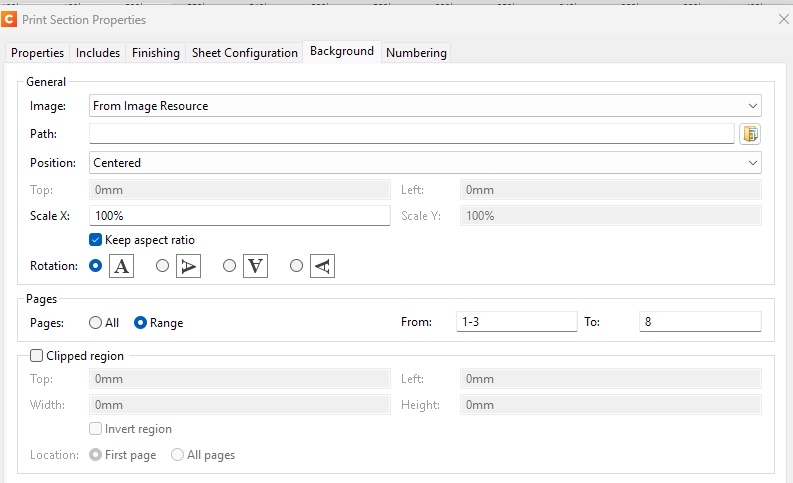
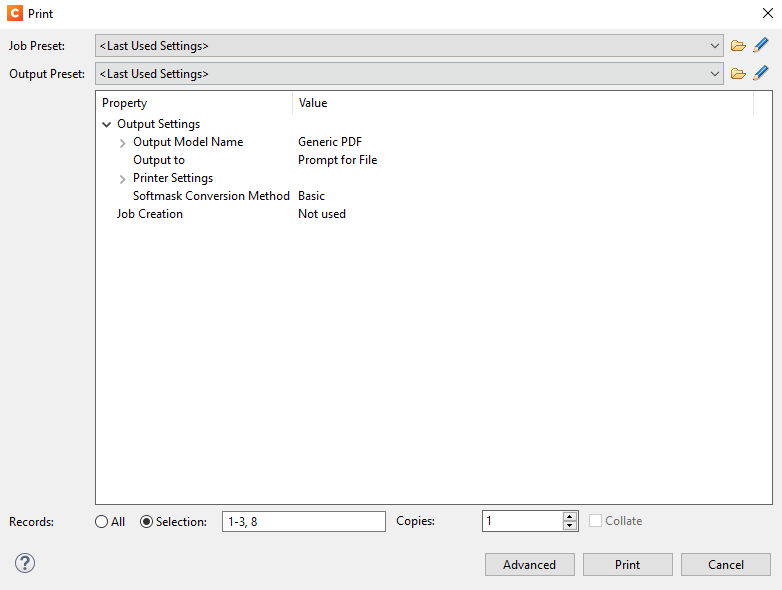
So, instead of selecting a range from 1 to 8, I just want to select 1-3 and 8 from a PDF resource.
Any suggestions if this can be acheived via scripting.
Or a feature to be added into connect designer?
Just sepcify the ranges and pages/records you want to print in the Selection box. (1-3, 8) [comma separated] Can’t be automated though if that was your query.
Yes, that is supported whilst printing but not on applying a background to the sections.
What I wanted is in the Print Section Properties > Background. You can only select in the Range From: and To: pages but you cannot do a any of the desired selected pages like in the initial image I attached.
You can’t. Even using a control script you are still stuck with the api only allowing start, end and all pages. Ranges as you defined are not possible in the current OL Connect designer.
I guess with a control script you could create a section clone for each distinct page range. In your example the first clone would use range 1-3, and the second clone would use only page 8.
It would get more complicated if the output is duplex.
That is probably not very difficult to implement, but I can’t make any promises if/when that will happen. I did create a ticket for it, with internal ref. SHARED-97191.
Thank you for that @Sander, just a quick question while I have you on this post.
Is there a page/place where all requests/features are being logged. So that we can all see the states of things.
We don’t have a public location for that, but we do try to update forum threads when we have more info. There is a link to this thread in the ticket I created.
The ticket is currently scheduled for 2026.2 (for the Chromium-based version of Connect), but that may change.