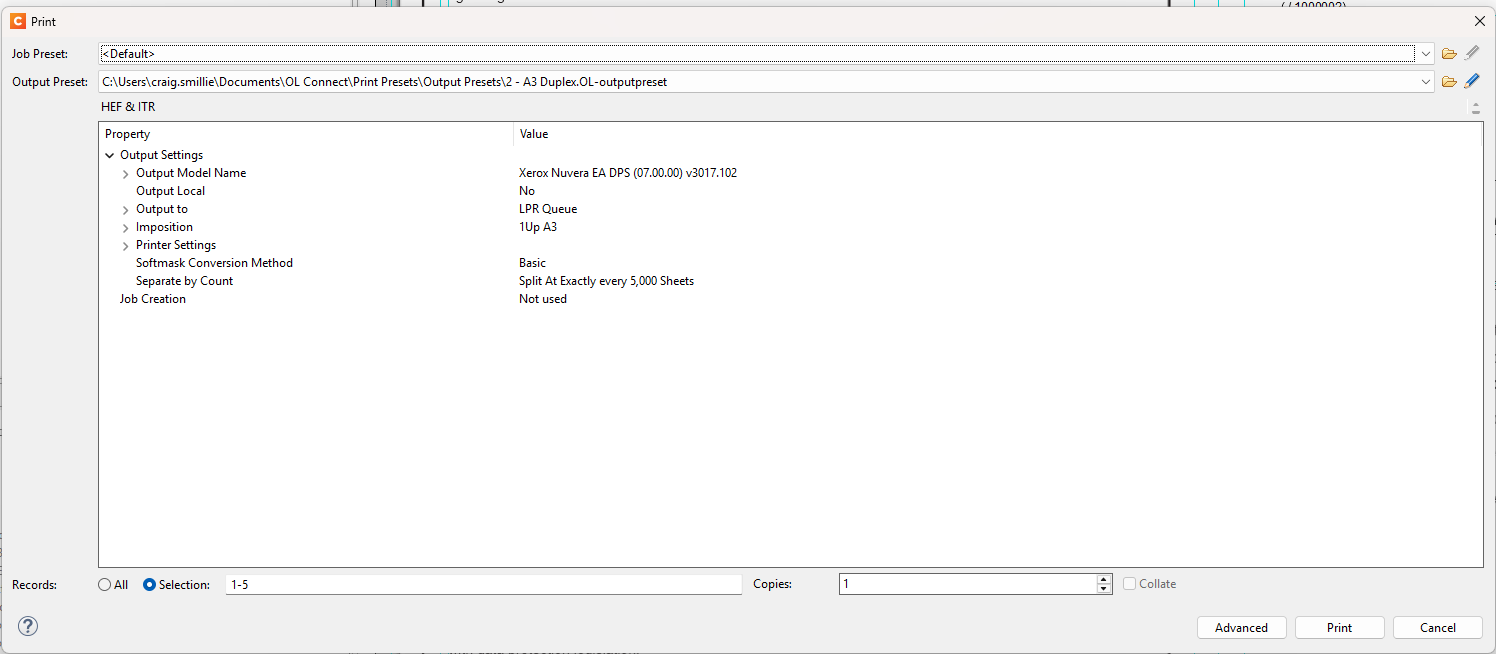
Hi guys.
Since updating Designer to version 2025.1.1 the file names in my print output files in Xerox Freeflow have the queue name and a number string prefixing the filename when printing from designer directly.
i.e. previously the jobname would be exactly as the template such as PRINT_JOB_1 but now it comes through like: hold_12659635853_PRINT_JOB_1.
Is there a way to revert back so it doesnt include the “hold_12659635853_” part of the name?
Just as I was typing, the same doesn’t happen when printing to pdf…
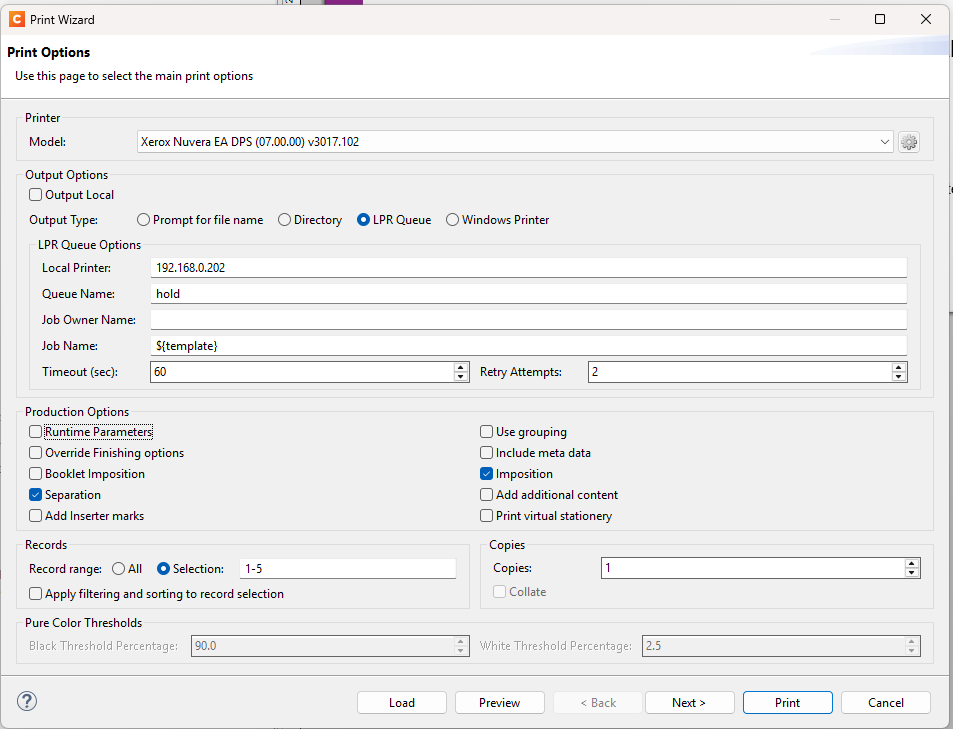
Can you please share a screenshot of the setting applied on the Print Options page of the Advanced Print Wizard of the Designer when you would like to print ouput files in Xerox Freeflow? The reason why I am asking is because then we can check whether this issue may have something to do with the applied settings or not.
Can you please click on the Advanced button in the bottom right corner of the Print window and take a screenshot of the Print Options page once the Advanced Print Wizard pops up?
Would you be able to test whether the same also happens with the Separation option disabled? The reason why I am asking is because I am wondering if it could have something to do with this option.
Please ignore this. The same also happens with the Separation option disabled.
Thanks for the Bug Report. Our developers have confirmed there is a problem and a fix has been implemented in our development branch. It still needs to pass QA, but the fix is almost certain to be included in our upcoming 2025.2 release of OL Connect.