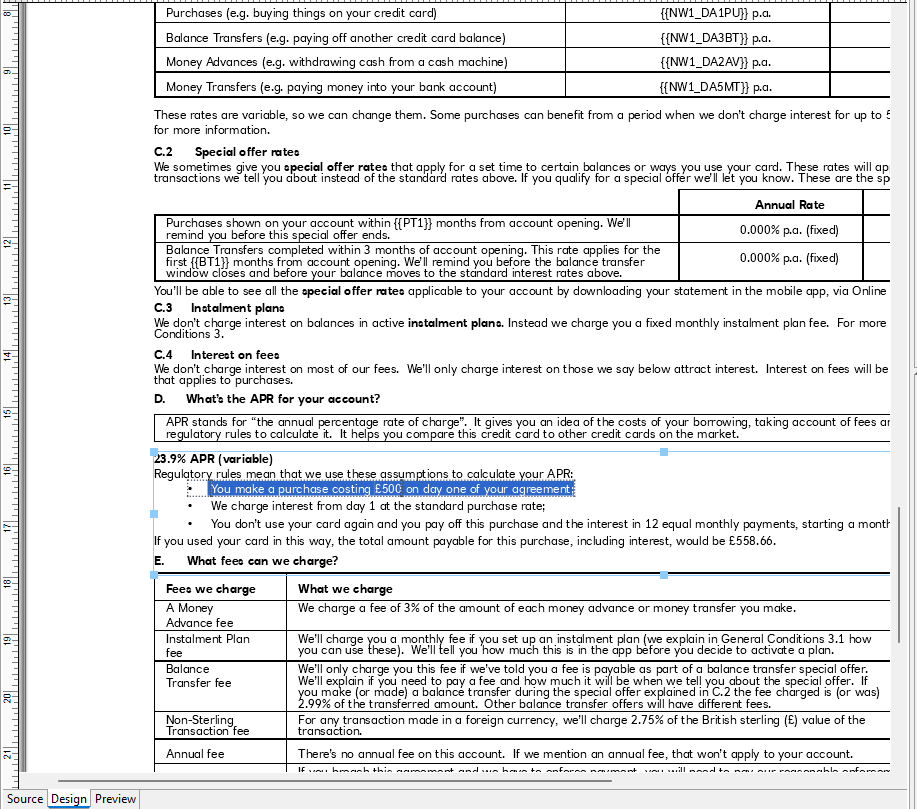
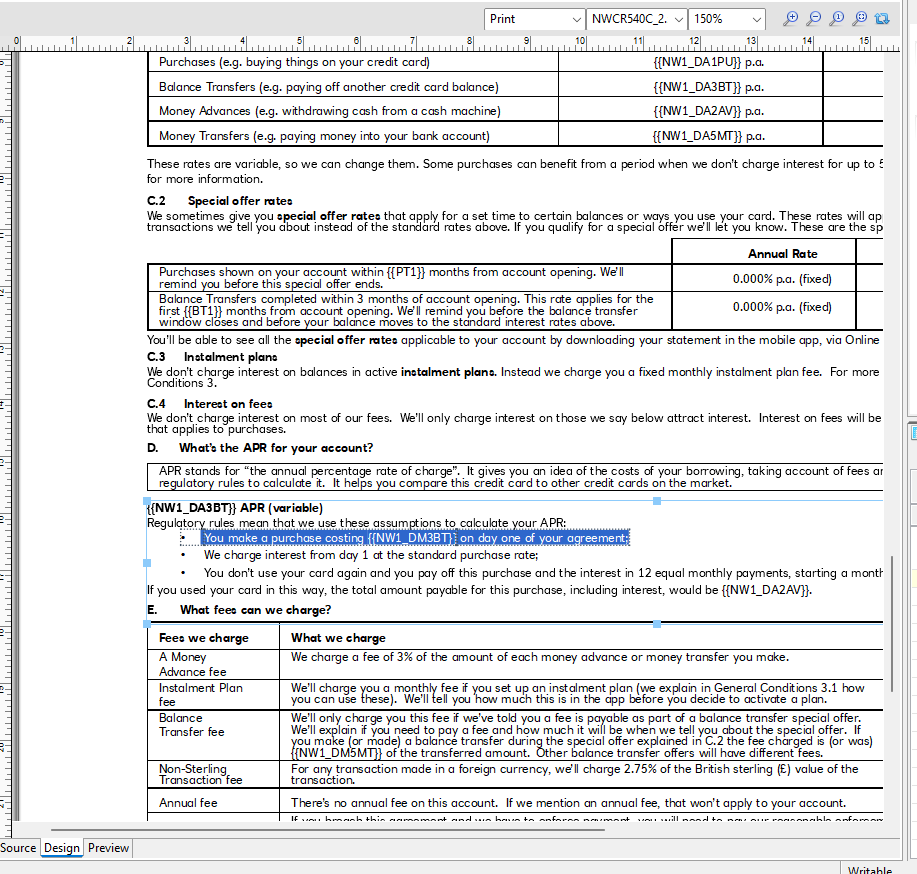
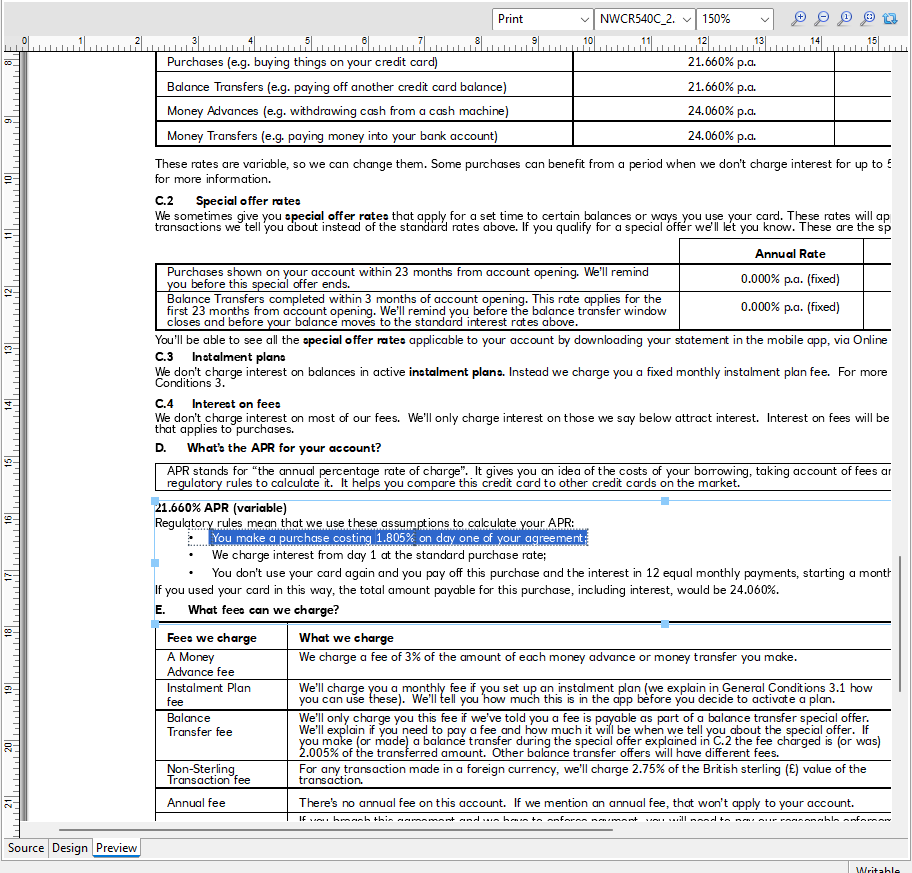
We are noticing some odd behaviour in Pres Connect designer when switching between the Design view and Preview rule on some sections. Where Switching to the preview causes what is shown in the designer to change. As you can see in the attached screen recording. The text “You make a purchase costing £500 on day one of your agreement;” changes to You make a purchase costing 1.805% on day one of your agreement; in the preview and then switching back to designer it has placed the variable {{NW1_DM3BT}} in place of the £500. This also seems to have happened in reverse at some point with the £500 having replaced a variable.
It is a known issue that is very hard to troubleshoot as it is no always reproducible. If you can reproduce it at will, please open a technical support ticket through our website.
Provide them with your Template and Datamapper and exact version of Connect you are using.
Once it is reproducible at will, we will find the root cause and fix it.
I’m not aware of any known issues that are similar and still occur in the latest version of Connect.
In older versions of Connect the only similar issue that comes to mind is one that was triggered by automatic Handlebars evaluation (internal reference: SHARED-90420). We fixed that in 2024.1. Are you perhaps using 2023.2 or older?
Otherwise this could be a new issue that we have not encountered before. In that case opening a support ticket is sound advice.
It happened again with me on 2025.1.1. (First time it happend I opened a support ticket and it could not be reproduced because I was not really paying attension)
Second instance its the simplest of templates too. 4 divs, 1 section, duplex. The salutation div @Salutation@ got replaced with actual data and would not revert back.
It only happens to my old templates that are not using handlebars.
Unfortunately I don’t have time to investigate. Just a heads up that it does occur in the latest build.
Just a quick follow-up. I had not seen any recent reports about this (not every support ticket gets escalated to R&D), but based on what Sharne said I believe there is a timing sensitive issue that occurs even in 2025.1.
We really need to look into this even if it is not reproducible, so I spent quite a bit of time going over the code to try and identify possible causes. Not being able to reproduce the issue means we cannot be absolutely certain, but I believe we can make some improvements that should help. It is unfortunately too late to include this in 2025.2, but it is on our backlog for 2026.1.