Requirement: There will be multiple PDF pages to be print when my template is finalized.
Issue: In section (section is present inside print folder and print folder present inside contexts folder) area of template, I have dynamic table and before inserting dynamic table there is
.
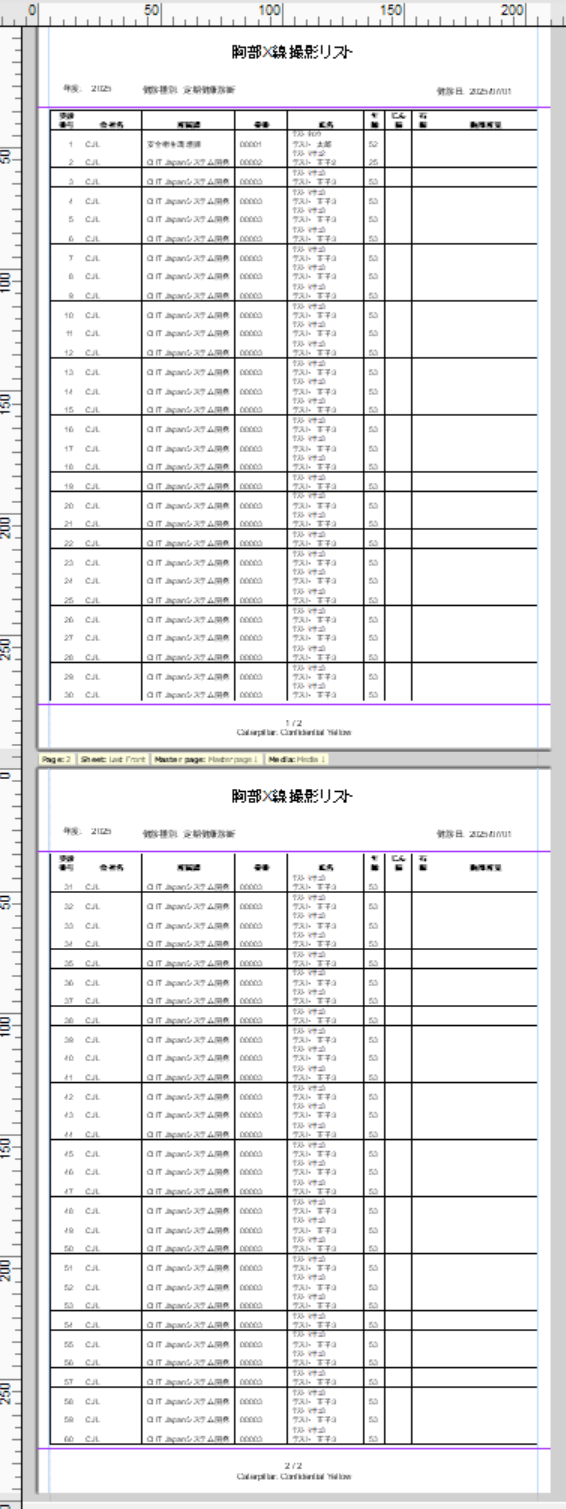
Now when I am previewing the data as PDF, space is coming only on 1st page, before dynamic table of section part of template, there is no space before dynamic table in 2nd page, there should be space before dynamic table in 2nd page.
I work with Akshay and understand his issue, so I’d like to add some information to this post. @AkshayJ
Each input data item results in two rows in the detailed table generated by our report.
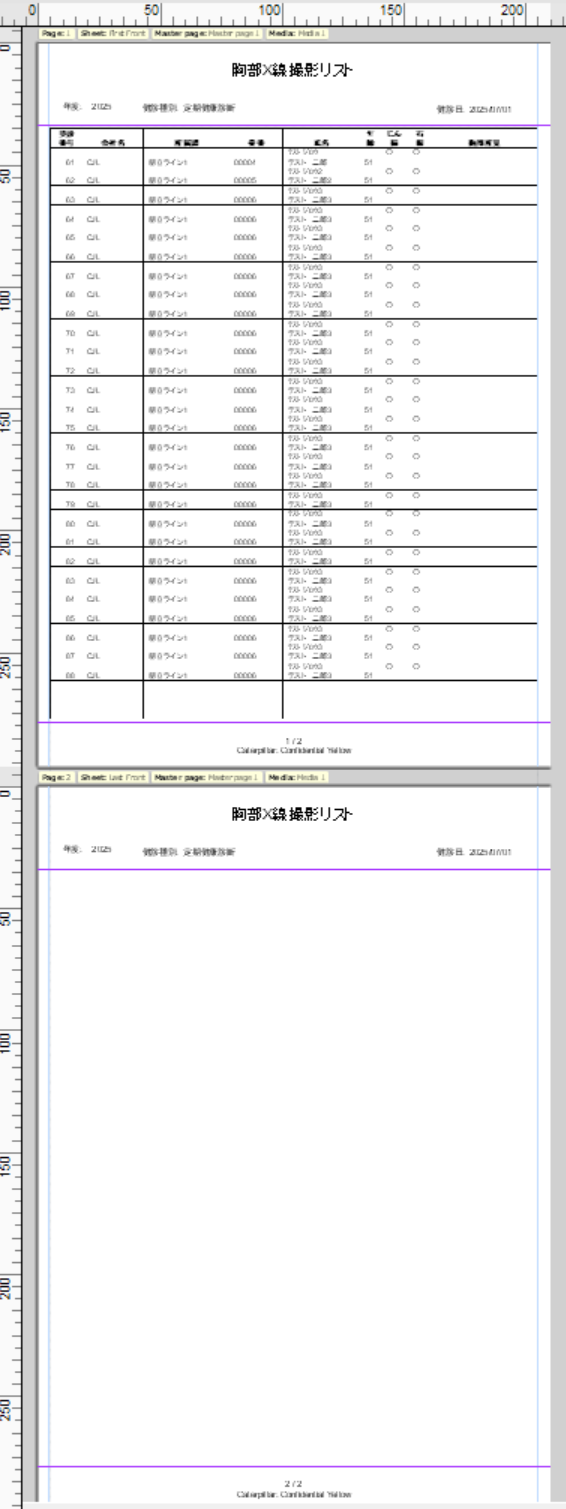
We’d like to output 30 records per page. On the first page, we were able to output 30 records. However, on the second page, we couldn’t output all 30 records, and as a result, the last line overflows onto the next page.
We tried adjusting the margins, but it didn’t help. Anyone got a good idea?
There is definitively somthing wrong here. I even modified your data example file and copy / paste in it the 60 first data lines (see attached) and when doing so, the first three pages now have their 30 lines but the issue re-occurs on the fourth page. Rep_JG00jc.csv (17.4 KB)
I suggest you open a technical support ticket through our website.
I don’t see what the issue is, but on my screen all looks okay. The table is not breaking to the next page and all the 30 records fit in a page. I can see you have a custom script to set the data boundaries which is on “lastName_of_health_checkup” and “lastDate_of_visit”.