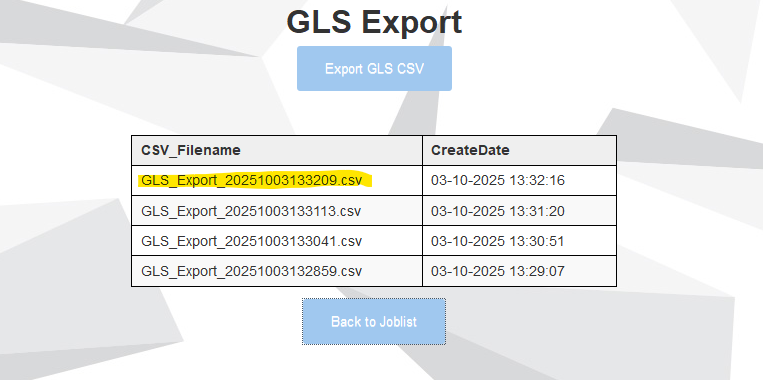
Have a OL Designer web page showing names of CSV files.
All files are located in a folder on the OL Connect Server.
Users don’t have access to shares on the server.
But they can use the web page.
Is it possible for the web page to hyperlink the files - by setting it up in OL Designer, so the users would be able to download the files one by one ?
Yes, certainly. For the links, you simply build the full text of the hyperlink within Designer.
If you intend to process / serve that link through Workflow, you’ll use the NodeJS plugin. It will create a data file for you, containing the querystring variable (the name of the file clicked). The process will use the “Load External File” plugin to open the file and serve it back to the user.
I allready have the NodeJS running for the web page.
I can put a link/index on the files. So when the user click on it the value is returned to the NodeJS plugin.
Then I can load the specific file in the flow below the NodeJS plugin - but how is this file returned to the user ?
When using the NodeJS plugin as an input, it will wait until the end of the flow and return whatever file is left in the flow. In your case, the CSV file you have loaded using the Load External File plugin.
Is there an easy way to put the hyperlink on a download icon, so the user can click it and trigger the workflow ?
I tried to create a static one, but I need the value from the datamapper value/Detalied table in the link.
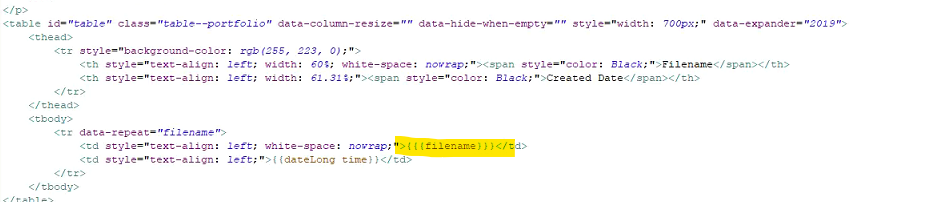
I would expect the dynamic value to be a script, yes. Standard OL Connect Design… either a handlebars expression for the dynamic variable, or the older style of a “span” tag referencing the script used for the dynamic value.
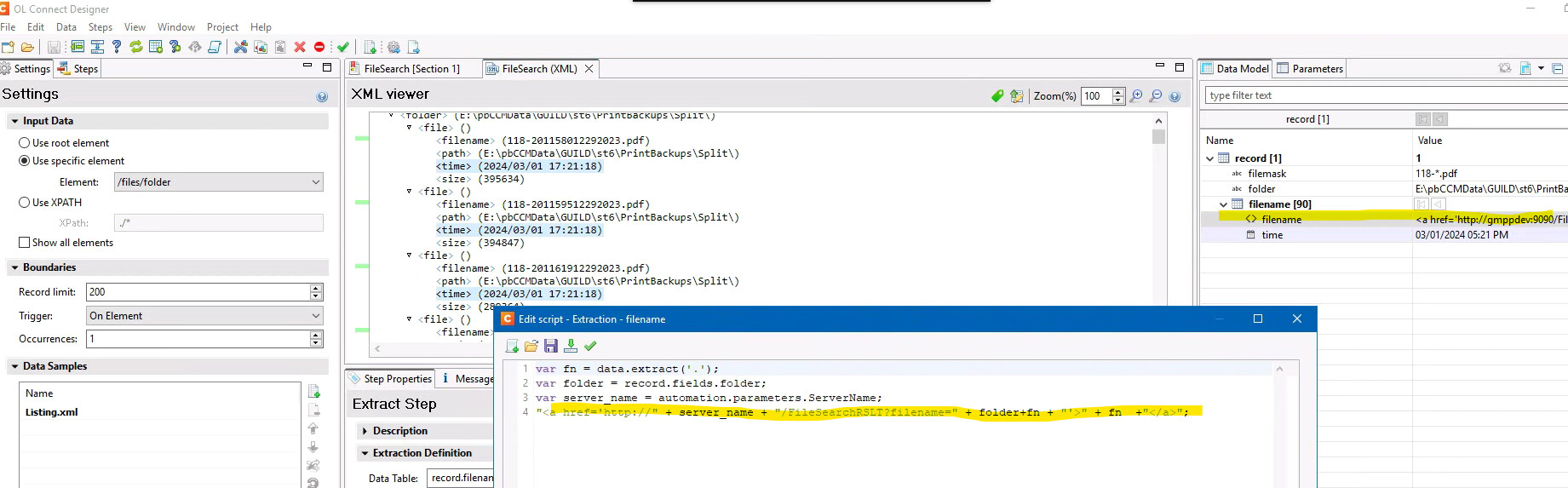
Or you can build your hyperlinks directly into the values from your datamapper. That’s what I do. I have built a search page that lets my users search for a particular output file. The first web page is static, with a form element that the users complete. It isn’t a Connect Template but could be. The Workflow Process that receives the HTML request does a Folder Listing, which produces an XML file. In my data mapper I have a detail table, for each record in the source XML it creates a hyperlink: