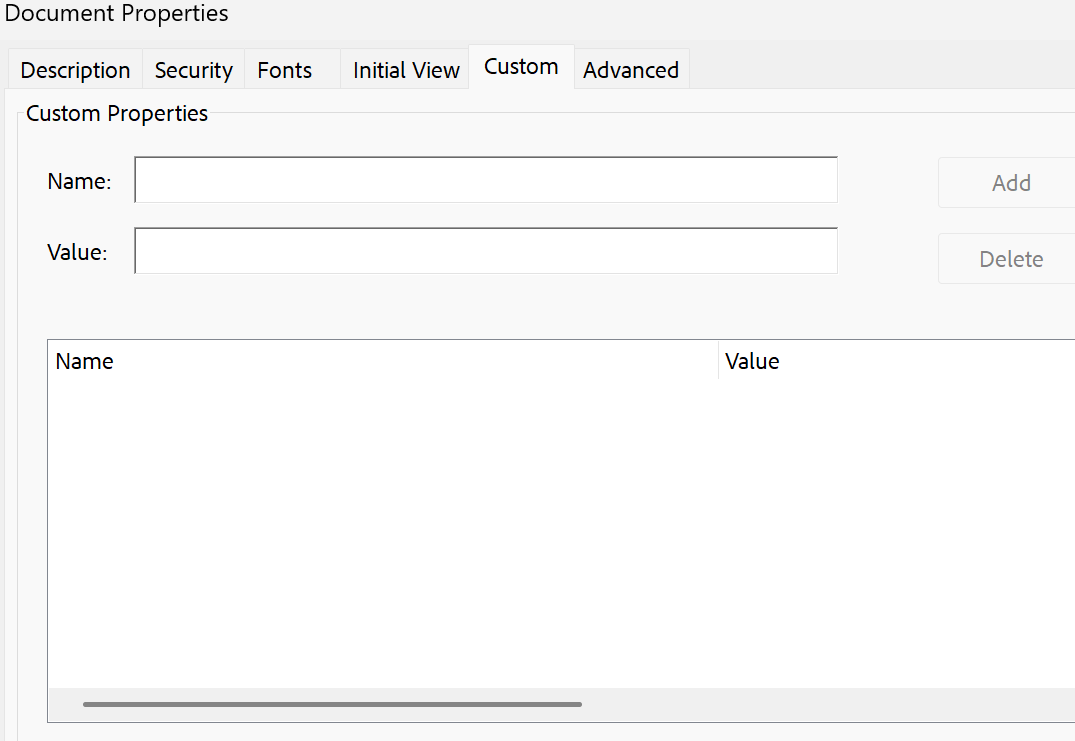
Does connect have a way to create custom property fields in a PDF file in the Document Property section? I know we can add information in the Description part of the PDF document but I cannot see anywhere I can create this in the custom properties tab. See image below.
The most important use case for Custom Properties is the flexibility to add user-defined fields that can be used by downstream applications and processes.
Currently, the Keywords property has a fixed character limit and stores everything as text. This limits the amount and type of information we can include. It also means that any information added to Keywords needs to be ingested and parsed before we can do anything meaningful with it.
Custom Properties would allow us to define individual key-value fields, each with its own identifiable name and value. This would make it much easier for downstream applications to retrieve and process specific information without having to interpret a single text field.
For example, in our transactional mail-processing workflow, we could include custom properties such as:
JobReference: NiceJob#
CustomerReference: 0009999
DocumentType: RentStatement
OutputChannel: Print
PrintDuplex: True
ColourMode: Mono
PostageType: Standard
ProcessingStatus: Ready
Our applications could then read these properties directly from the PDF and use them to determine how the document should be processed, routed or printed.
This would provide considerably more flexibility than the Keywords property, particularly as we could introduce additional fields as our requirements evolve, without having to redesign an existing text-based metadata structure.
Ultimately, the objective is to make PDF metadata more structured, extensible and accessible to downstream systems, reducing the need for additional parsing and processing before the information can be used.