Yep, makes sense. But with snippets now (which PPSuite didn’t have), you could use external files that contain those shared elements, allowing you to make the changes in a single spot.
Again, that’s a design choice, and each customer can decide what they’re most comfortable with.
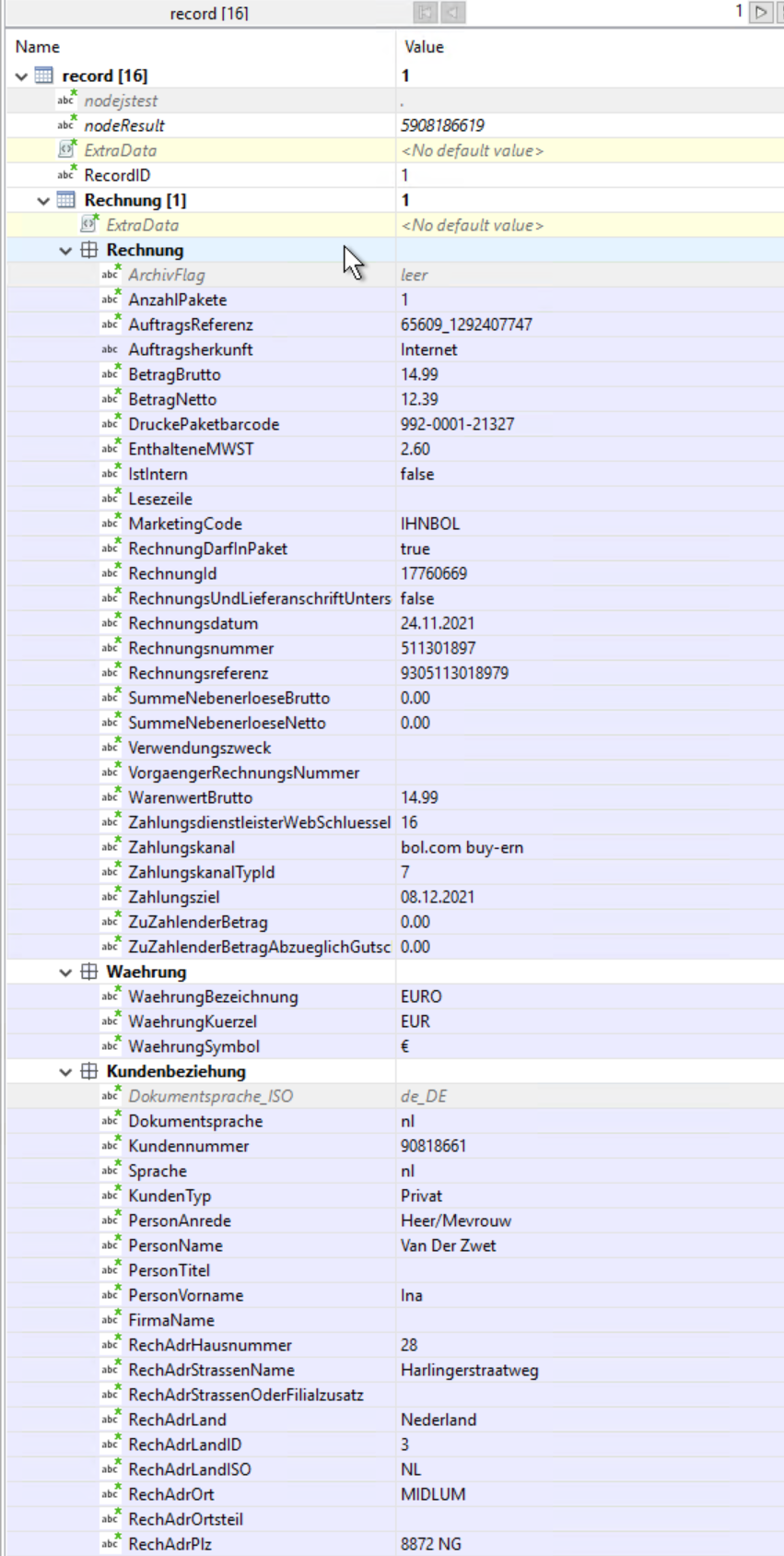
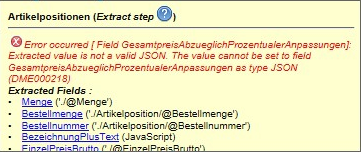
Yesterday after doing that the new fields appeared at the end of the field list in the datamodel. After loading the Datamapper configuration today, my fields are again inside the Rechnung table in the datamodel, and I again get the error message from the thread topic:
It is not possible to insert a text script for nested detail fields
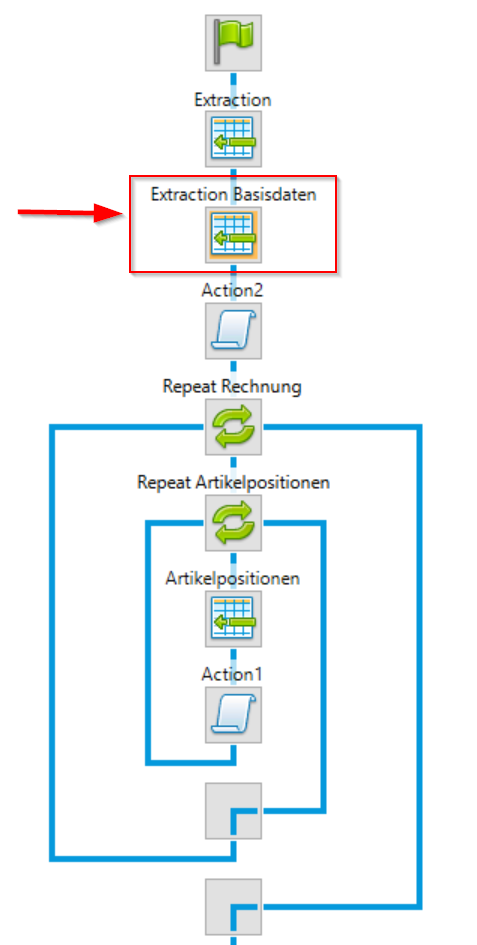
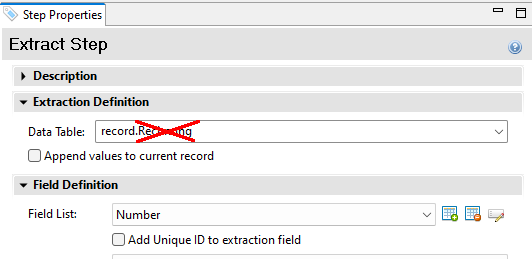
Why does this happen? This is extremely frustrating, yesterday I thought I had a solution for this problem, and after loading the Datamapper today, the problem is back without any reason. It is not logical that the fields suddenly appear under the “Rechnung” table in the datamodel, since the extraction step is not inside the Rechnung loop.
I am also not able to just drag & drop the fields outside of the Rechnung table in the datamodel.
Why does the software act this way? Why are the fields outside of the loop in the extraction steps placed inside of the Rechnung table in the datamapper?
@Phil I am running into more walls here. In the past I was able to drag & drop fields from a “package” table that contains package and article data. I then had to make changes to the extracted field’s Javascript to adapt it to my needs and do the proper table iterations, but that was fine.
Now Designer prevents me to drag & drop fields from tables altogether and I have to create placeholders and scripts completely myself, which is way more effort and needs way more time. A way around that would be to extract the fields again outside of a loop, but that would create unwanted and unnecessary field redundancy.
This unwanted software change makes the templating workflow so much more unergonomic and bloated, it is unbelievable.
Plus it breaks already existing templates and makes extensive template changes necessary. If this would have been a production template already, the whole productive process for shipping thousands of parcels a day would have been broken - with immeasurable financial damages.
you should not change the software behaviour this drastically
and especially:
not without informing and alarming your customers transparently and clearly before you roll out such a game breaker
I understand your points and see how this would help you creating templates more efficiently. The message regarding “insert a text script for nest detail fields” was added in 2021.1. This was done after receiving feedback from the field, people were confused by the ability to use detail data outside of an dynamic table. The expanded scripts were hard to understand especially when using nested data fields.
Reading your comment and after the introduction of expressions I feel things are different now. Expressions are text based placeholders which do not require a script. An expression to access data in your detail table would look like this: {{Rechnung[0].AuftragsReferenz}}. This is something that works today but you need to type it.
I think these expressions are easy to follow. I’ve created an improvement request to insert such an expression on drag&drop a data field from a detail table. [internal ref SHARED-90458].
Meanwhile I wondered if you considered using JSON data fields. Their usage is not limited to expression, drag&drop properties form such fields also work when not using handlebars.
The Rechnung table does no longer exist, we had to get rid of it because of all the problems described above because of the nested data error, leading to all kinds of problems with fields and scripts that had to be solved.
After JSON data fields were mentioned some answers above I tried to get information on that in the official documentation. But it was not possible, if I search for json data fields I do not get concise results using the documentation search engine. Also if I only search for json, then I get mostly results about loading in json data somewhere.
It would really help to know where exactly I can find the documentation about these “json data fields”. If that is a different method of generation data in the Datamapper it would probably not help if this means we have to again restructure everything, we already had to do extensive reworks because of the nested data error. If I know change string fields to json fields I’ll have to rework everything again. And all this because you changed the software behavior this drastically.